Modulr Tidal
A compressor you can see: drag the waterline and watch the sound bob above it.
Modulr Tidal draws compression as a waterline across your sound. Drag the line to set how loud something must be before it gets squeezed; the part that gets through is coloured, so you can see the compressor thinking. Attack, release and the rest sit underneath, where you expect them.
This is the plug-in.
Modulr Tidal as it opens in your host, picture for picture.
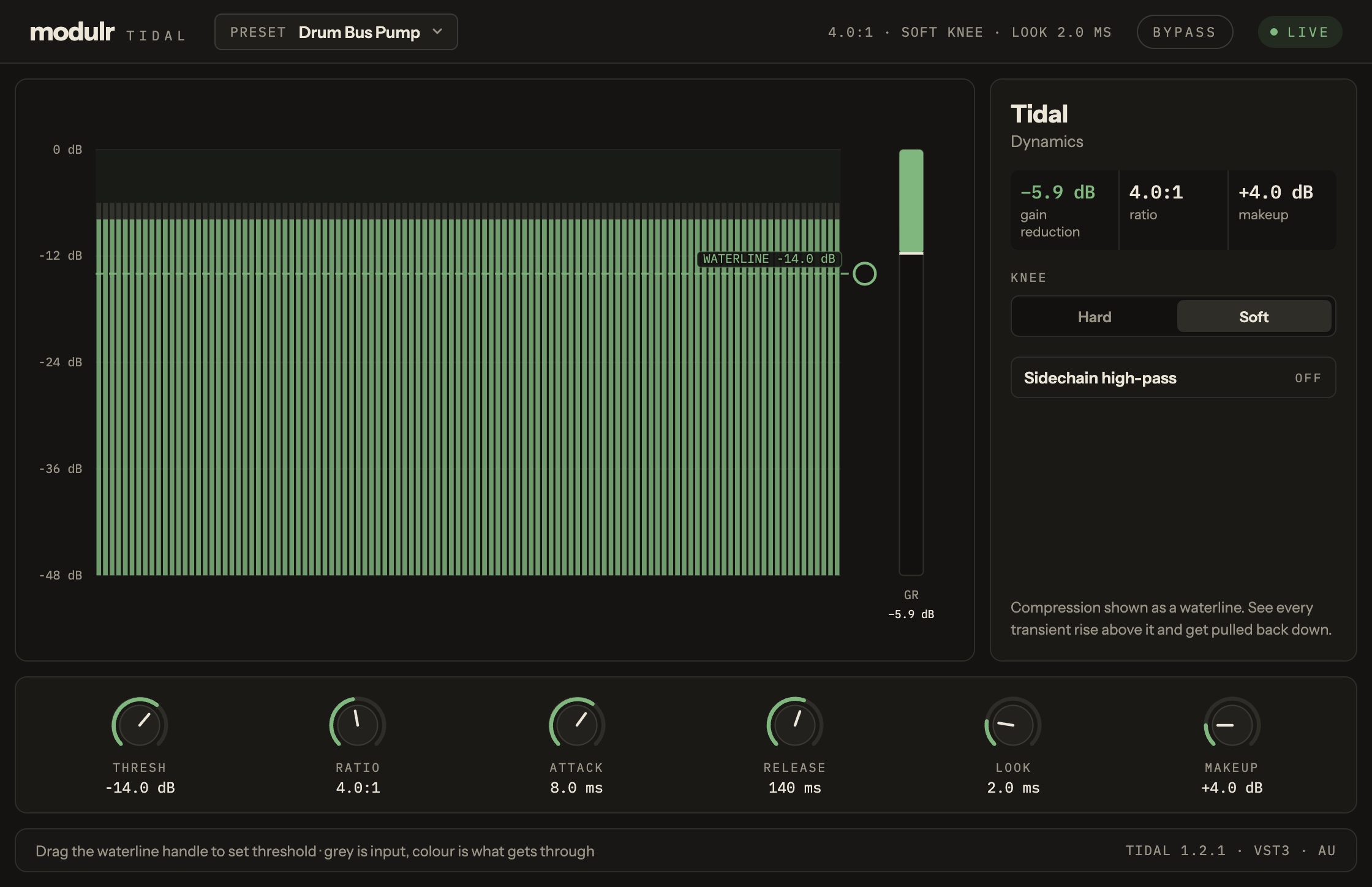
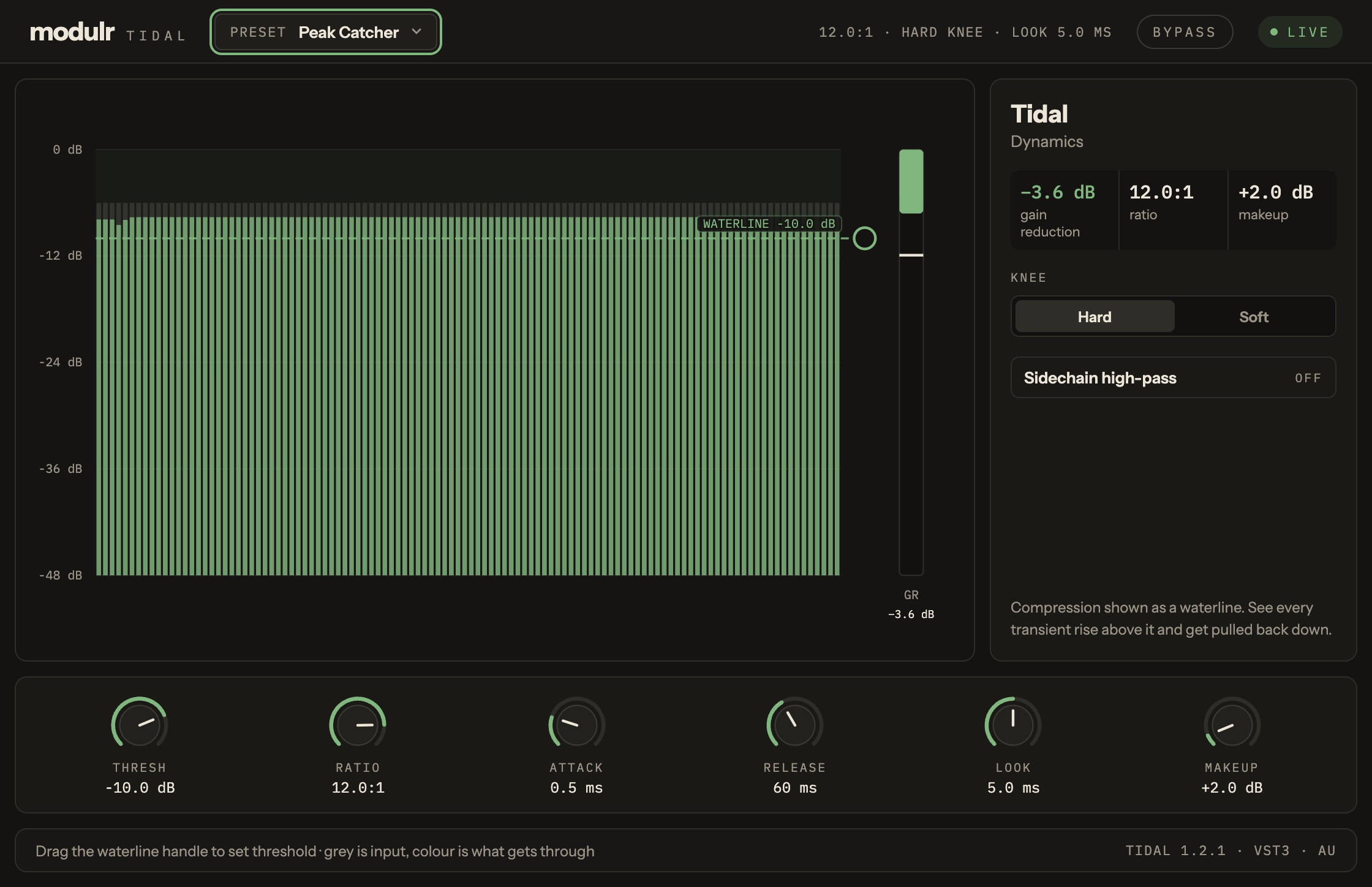
Modulr Tidal, in a list.
- Drag the waterline to set the threshold
- Ratio, attack, release and make-up
- Hard or soft knee
- A meter that shows how much it squeezes
Version 0.1.0, 2026-11-06.
The Modulr Hub app installs it for you, one click, and checks the download on the way in. Prefer doing it by hand? Unzip the file into the folder shown. Ad hoc (no Developer ID) and not notarised, so the first time you load it macOS asks you to allow it (System Settings, Privacy & Security) — normal for a small maker, and it only happens once.
| Format | Folder | File | Size | SHA-256 |
|---|---|---|---|---|
| VST3 | VST3 | Modulr-Tidal-0.1.0-macos-arm64-vst3.zip | 2.1 MB | 09d6cead082c22c971b62f68a9b00d8858a951f9188e122b5d5d25b489c74d93 |
| Audio Unit | Components | Modulr-Tidal-0.1.0-macos-arm64-au.zip | 2.1 MB | 175cc0135c0446505e2f475dc23fc9b94154e6bf2f7fbfc4c5fce962f4122c56 |